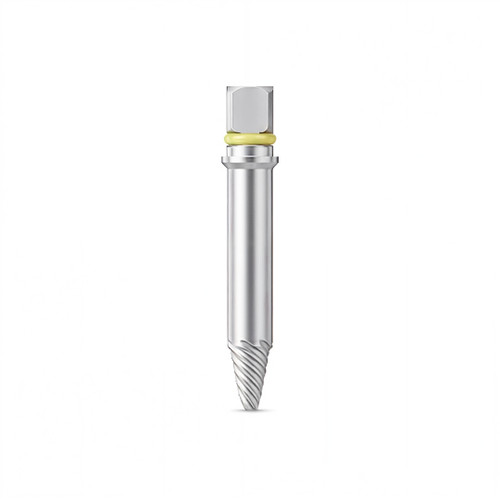


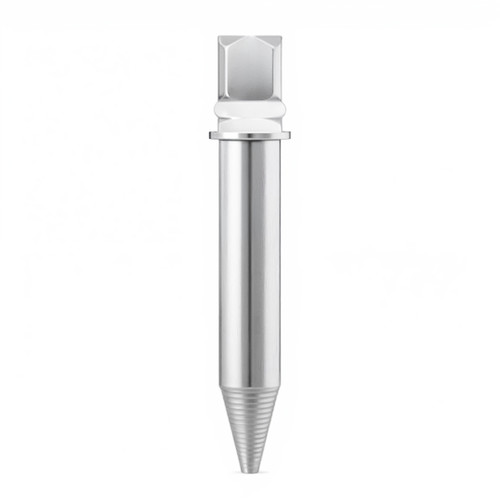
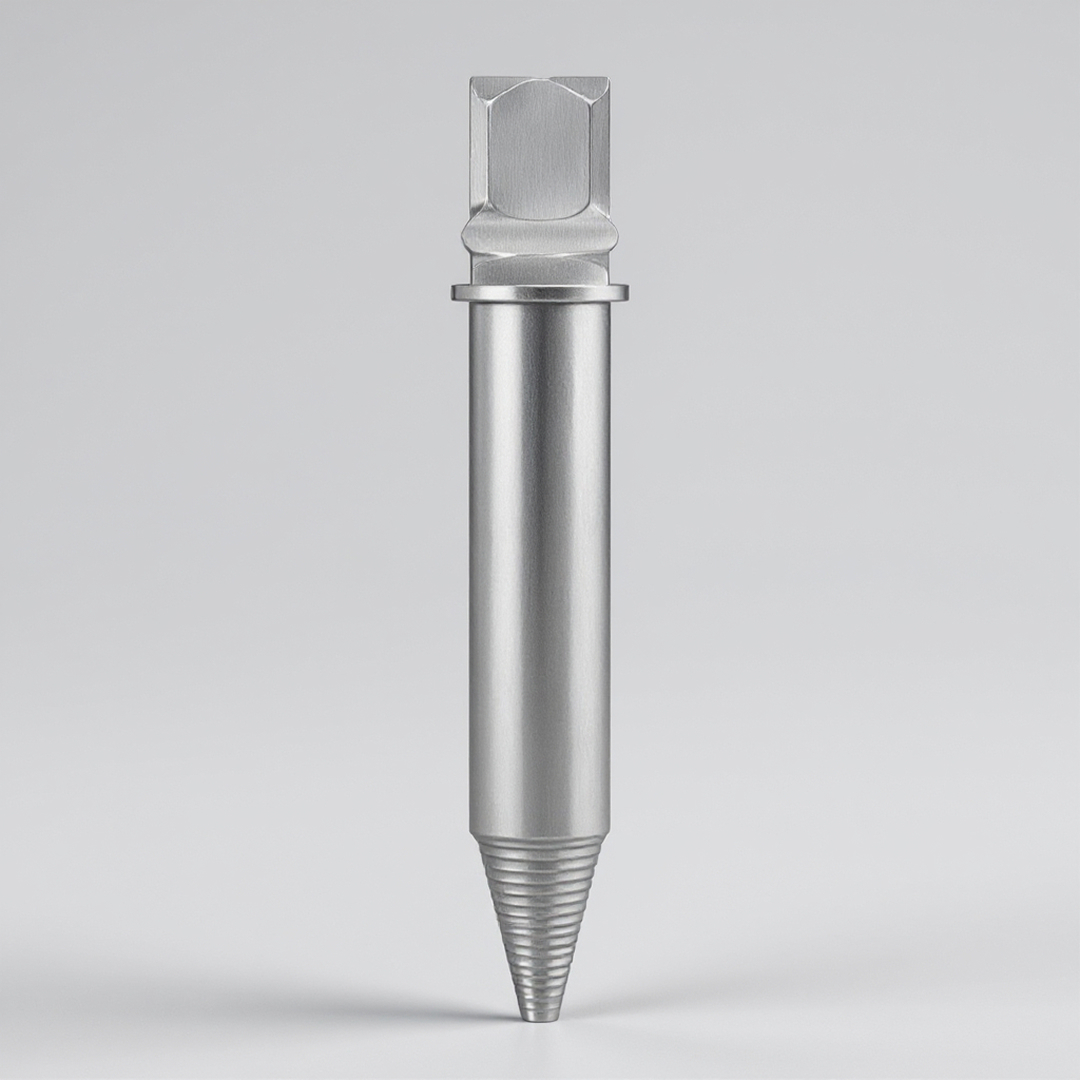
Single Driver to Solve All Types of SOS Cases
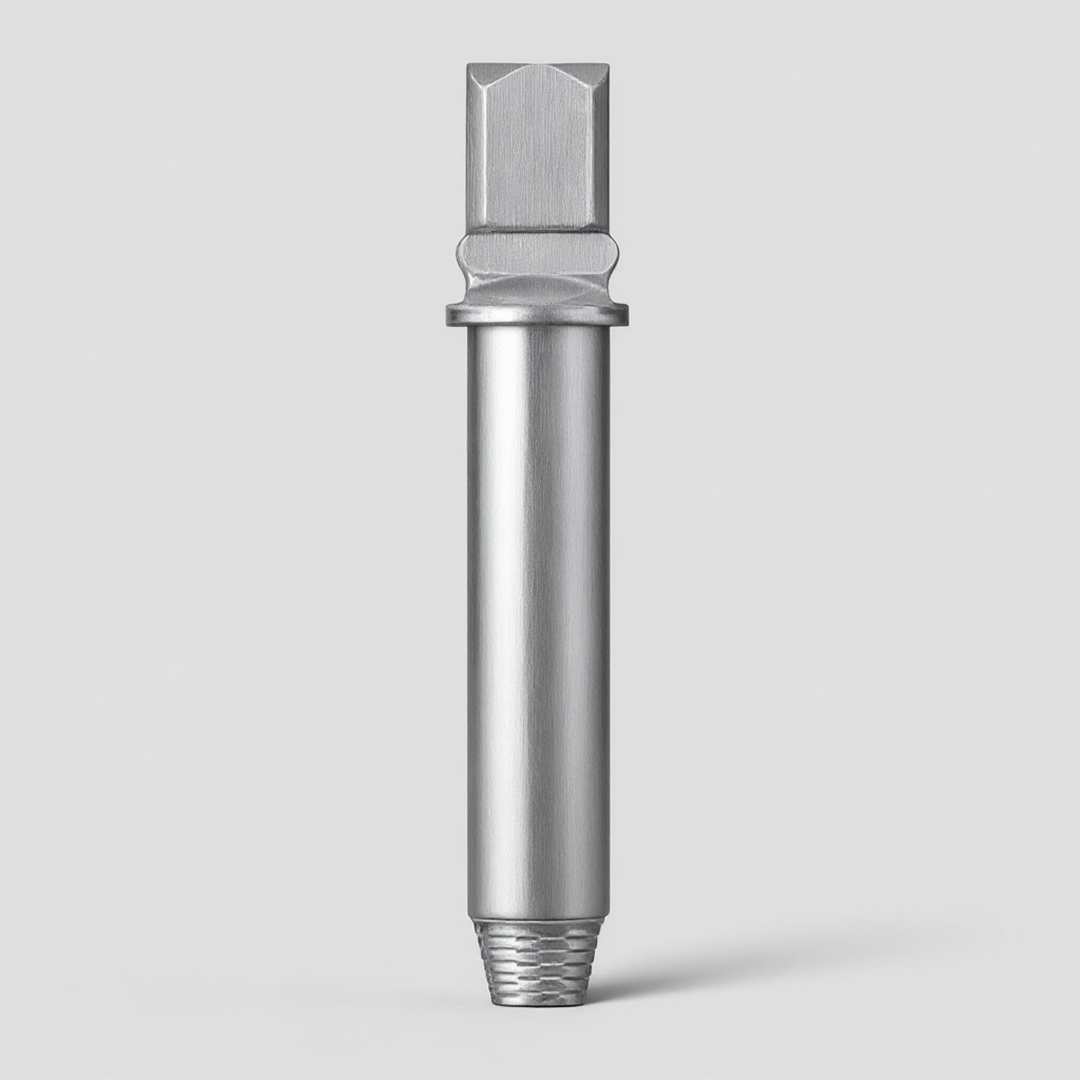
New Dr. SOS+ Kit tool
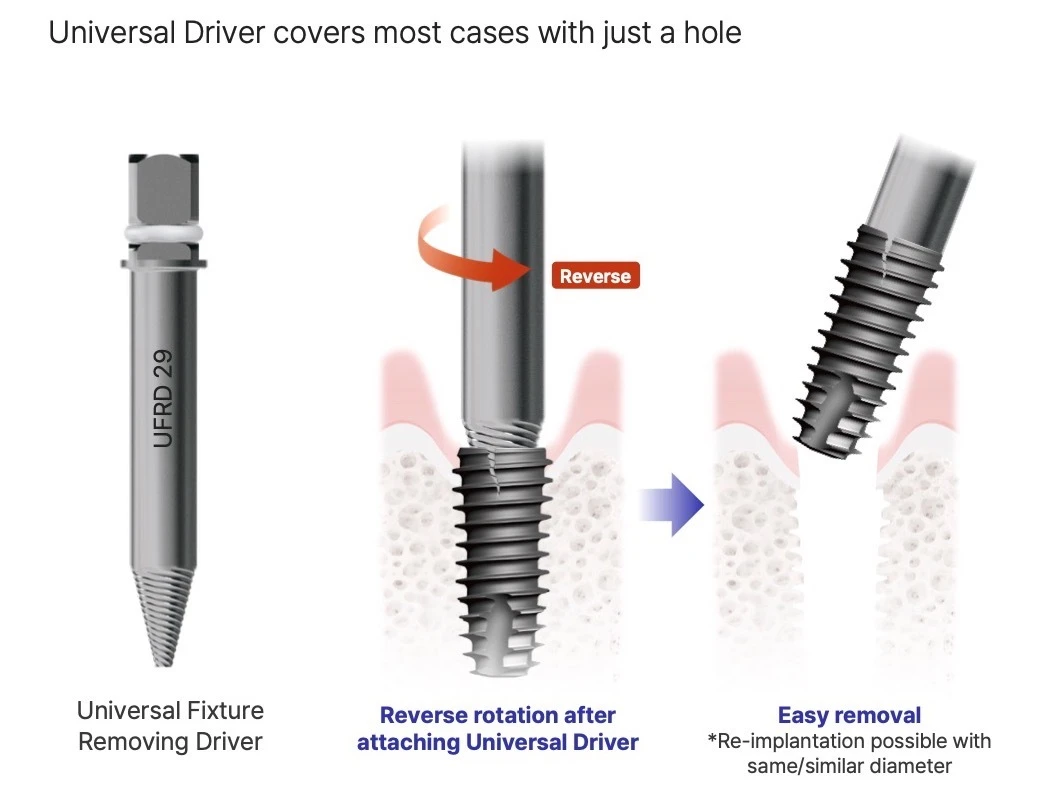
Universal Fixture Removing Driver
One driver for fixture and abutment failures: attach to any remaining hole and reverse-rotate. The brand, structure or diameter of the implant does not need to be identified first.
Fixture & abutment removalRecommended for about 10 uses
Fixture & abutment removal in 2 steps
Attach the Universal Fixture Removing Driver and reverse-rotate. The driver engages any remaining hole, so the implant brand, structure or diameter does not need to be identified first. Re-implantation is possible with the same or a similar diameter.
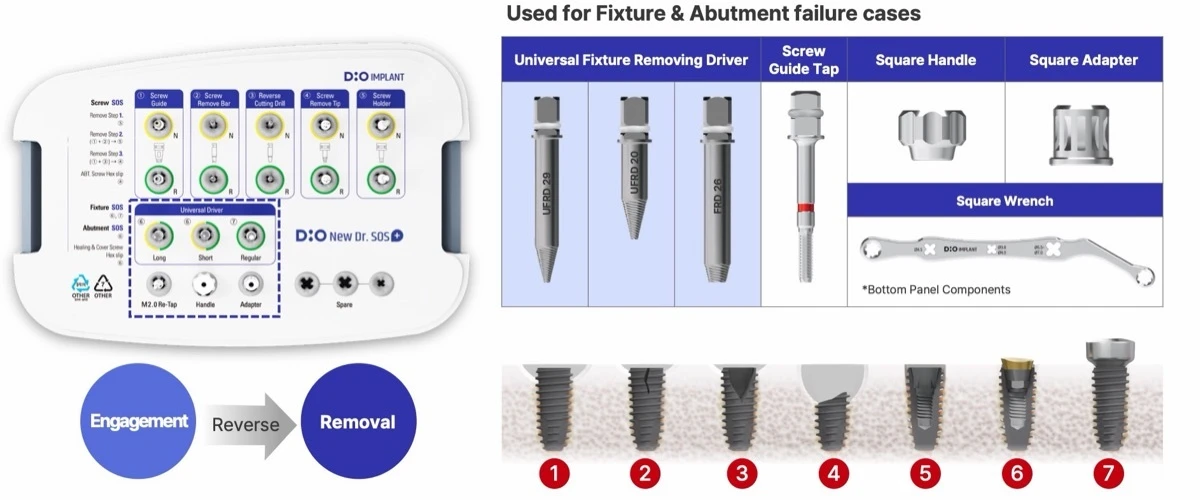
- Covers failure types 1–7: adjacent bone loss, crack, vertical or horizontal fracture, damaged internal structure, abutment fracture, worn 1.2 screw hex
- Universal driver recommended for about 10 uses
- Square Handle, Square Adapter and Square Wrench for torque, Screw Guide Tap (SGT 2018A) to restore threads
Replacement tools on WhiteCap
- Universal Fixture Removing Driver (UFRD 29 / FRD 26)
- Internal Guide (NINT / INT)
- Remove Bar (RB 32 / RB 34)
- Reverse Cutting Drill (RCD 32 / RCD 34)
- Screw Remove Tip (SRTN 25 / SRTR 25)
- New Dr. SOS+ Kit (complete kit)
Source: DIO Implant New Dr. SOS+ Kit education material (2026). Follow the instructions for use; clinical results vary with each case.